
Sight Words Reading
I made this simple single page web app for the kids in my family who are learning to read and spell. Words are grouped by grade using the Dolch sight word lists: Pre-K (Pre-Primer), Kindergarten (Primer), and 1st through 3rd grade. Tap a word once to highlight it, then tap it again to hear it read aloud.
OPEN SIGHT WORDS IN NEW WINDOW
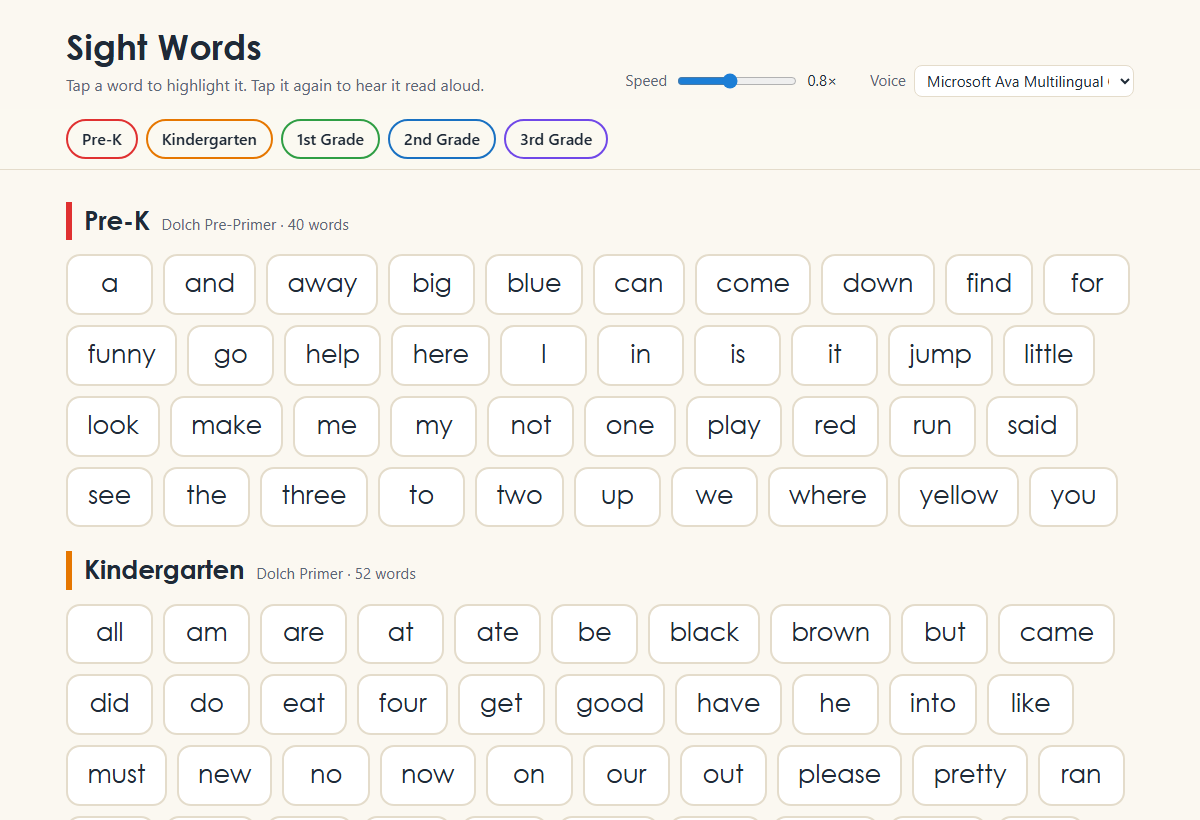
Reading uses the browser's built in text to speech, so there is nothing to install and no server involved. While a word is spoken, a soft highlight sweeps across the letters and a progress bar fills along the bottom of the word. Speech engines do not report progress inside a single word, so the sweep runs on an estimated duration that calibrates itself against how long the voice actually takes.
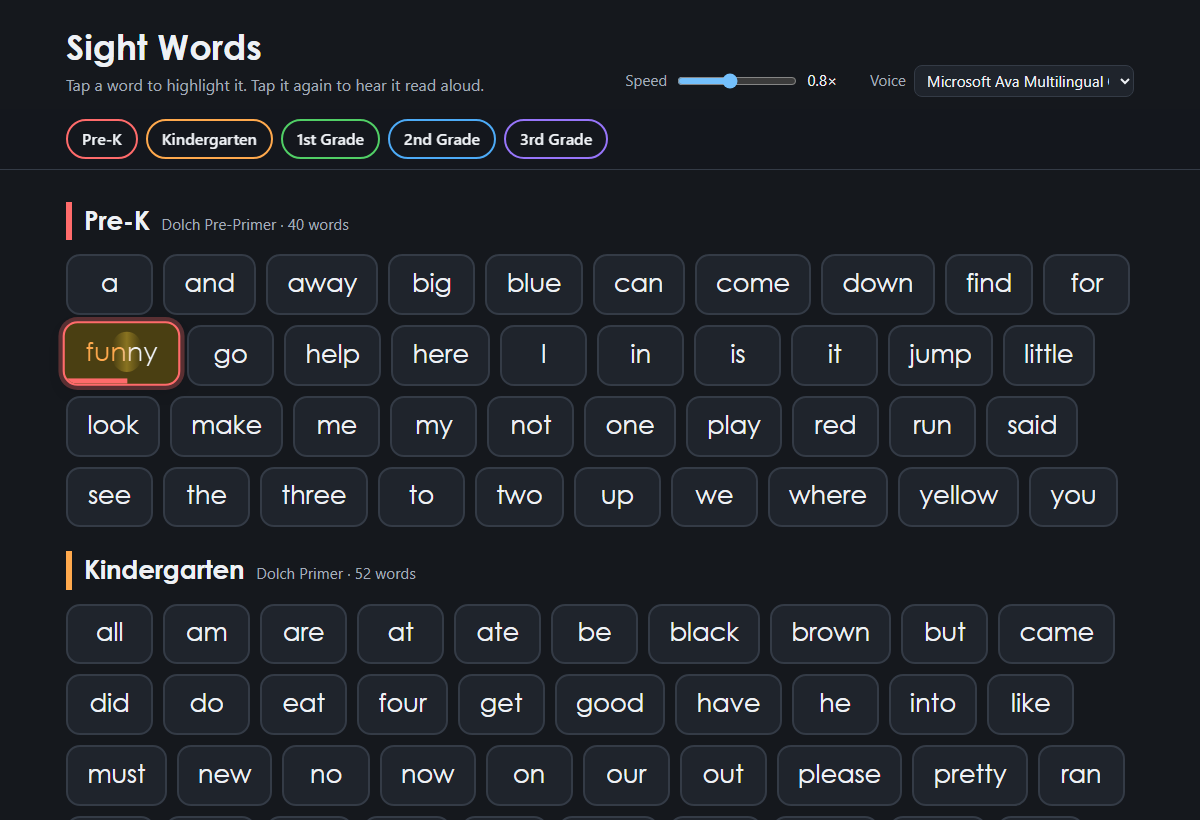
The speaking speed and voice can be changed at the top of the page and are remembered between visits. It works on phones and tablets and follows the device's light or dark mode setting.

Comments
Comments are currently disabled.
