
AWS LAMP Stack With PHP 8 on Ubuntu and Terraform
Wed, 15 Feb 2023 11:56:58 EST
I have a need every now and then to quickly create a Linux, Apache, Mysql(MariaDB), and PHP stack within Amazon Web Services (AWS). Terraform is a perfect tool for this as it takes roughly a thirty minute task to a few minutes. Once you become familiar with Terraform, it is easy to see why the tool is being deployed in major companies across the world to help manage complex infrastructure.
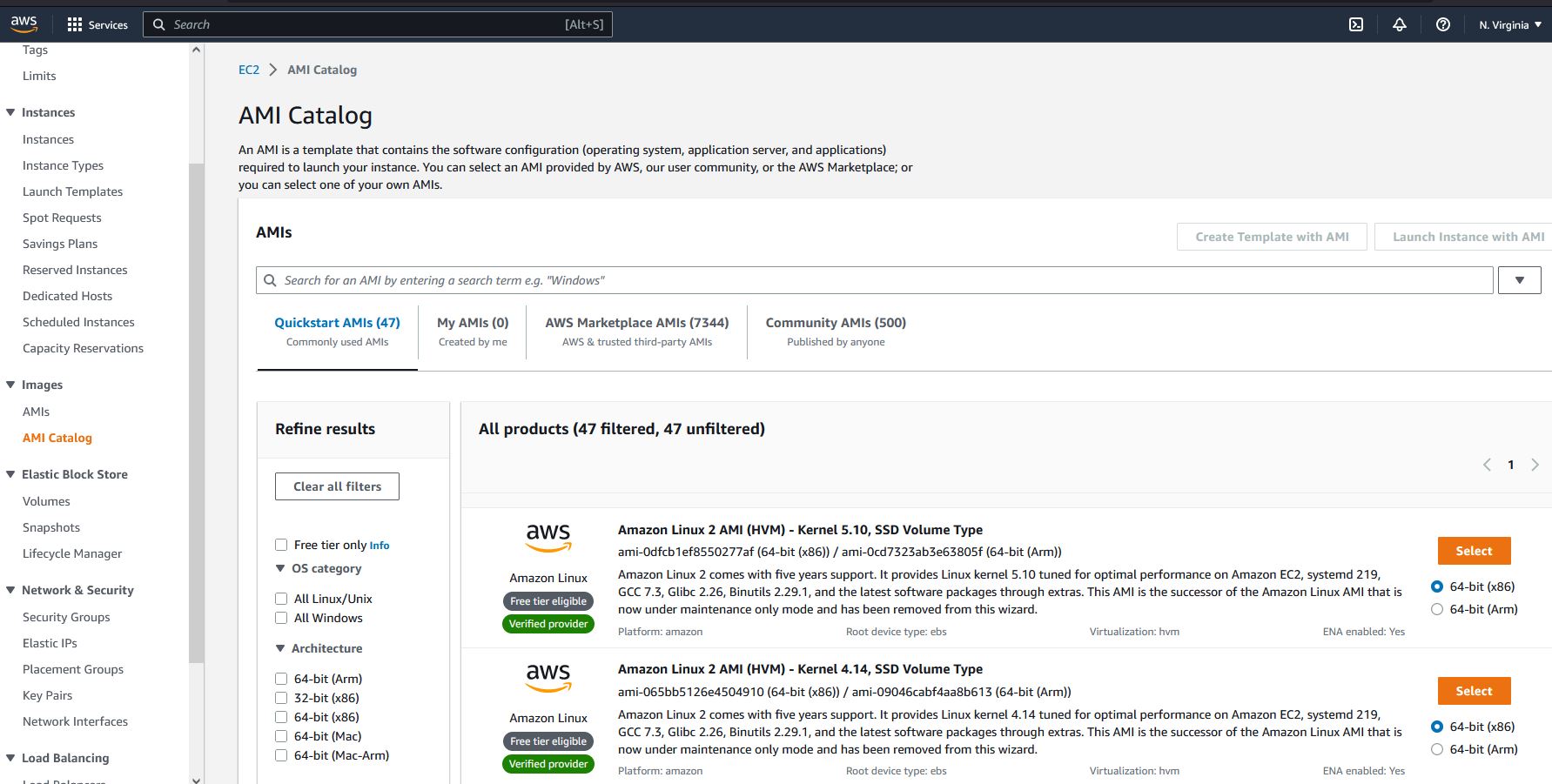
The major component needed with Terraform to go beyond just launching a default unpatched and unsetup virtual machine is the addition of a tailored initialization script that is run via the user_data Terraform property. Below you will find my initialization shell script that I use with Terraform to get Ubuntu setup as a PHP 8 LAMP stack as of February 2023. If you are just starting out with Terraform you will likely need to refer to other information to get started with the basics.

A few important notes:
- AMI ID’s are region specific. The AMI ID I am providing here will only work in us-east-1 (Virginia).
- Terraform will apply pretty sensible defaults. I already had subnets and security groups setup, so I explicitly provide those. I also specify to destroy the root_block_device on termination and only create a 10gig volume.
- I use AWS access keys in the variables.tf file. For my particular setup environment variables as seen in many tutorials do not make sense for this.
- I have a key specified in my AWS account named “Miner_Sample”. That key is specified in the Terraform file so it can apply the key for access to all of my AMI instances using SSH.
- I am using Terraform 1.3.6 on Windows 10. I have the Terraform AWS provider as well as the Windows Amazon CLI installed.
- When you run Terraform apply, it will take several minutes to execute all of these commands.
- These images constantly change. If you run into trouble you may need to ssh into the VM to see what went wrong.
Here is the bash initialization script. In this example it is named init_lamp_ubuntu_22.sh
#!/bin/bash
# First off we need swap space for memory. These come with no swap
# and I do not care how slow they get.
# In most cases you want no swap - and using a docker container or cluster
# etc that makes sense but not here
sudo fallocate -l 1G /swapfile
sudo chmod 600 /swapfile
sudo mkswap /swapfile
sudo swapon /swapfile
# Backup fstab
sudo cp /etc/fstab /etc/fstab.bak
# Make it permanent even though our VM probably wont be
echo '/swapfile none swap sw 0 0' | sudo tee -a /etc/fstab
# Default swappiness is 60 which is fine
# Update any packages - Debian which Ubuntu is based on will present prompts in the UI. We need to disable these.
# This is the reason for the DEBIAN_FRONTEND commands.
sudo DEBIAN_FRONTEND=noninteractive apt update -y
# update any package listings - this requires interactive screen input
sudo DEBIAN_FRONTEND=noninteractive apt upgrade -y
# install apache
sudo DEBIAN_FRONTEND=noninteractive apt install apache2 -y
# mysql
sudo DEBIAN_FRONTEND=noninteractive apt install mysql-server -y
# php
sudo DEBIAN_FRONTEND=noninteractive apt install php libapache2-mod-php php-mysql -y
# Create a phpinfo file - you should delete this right away after ensuring it renders php
sudo echo "<?php phpinfo(); ?>" > /var/www/html/phpinfo.php
Here is the main.tf file
terraform {
required_providers {
aws = {
source = "hashicorp/aws"
version = "~> 4.16"
}
}
required_version = ">= 1.2.0"
}
provider "aws" {
profile = "default"
region = "us-east-1"
access_key = var.aws_access_key
secret_key = var.aws_secret_key
}
resource "aws_instance" "app_server" {
ami = "ami-0574da719dca65348"
instance_type = "t3.nano"
subnet_id = ""
vpc_security_group_ids = []
key_name = "ENTER YOUR KEY NAME HERE"
tags = {
Name = var.instance_name
}
user_data = "${file("init_lamp_ubuntu_22.sh")}"
root_block_device {
delete_on_termination = "true"
volume_size = "10"
}
}
Here is the variables.tf file
variable "instance_name" {
description = "Value of the Name tag for the EC2 instance"
type = string
default = "Ubuntu_LAMP"
}
variable "aws_access_key" {
type = string
description = "AWS access key"
default = ""
}
variable "aws_secret_key" {
type = string
description = "AWS secret key"
default = ""
}
Finally, here is the outputs.tf file
output "instance_id" {
description = "ID of the EC2 instance"
value = aws_instance.app_server.id
}
output "instance_public_ip" {
description = "Public IP address of the EC2 instance"
value = aws_instance.app_server.public_ip
}
I hope this information can help you get a basic setup running. If you are not already familiar with Docker, I would suggest digging into creating your own Docker images. Combining Docker with Terraform instance creation like this really invalidates the need for OS specific setup scripts beyond the basics like the one provided here.
Rabbit MQ Binary Protocol Observability and Cyclic Technology Trends
Mon, 19 Dec 2022 11:55:58 EST
Rabbit MQ is an amazing messaging system deployed across thousands of organizations worldwide. Most organizations seem to be using RabbitMQ as a way to orchestrate operations between microservices. I recently used RabbitMQ to orchestrate multiple mobile apps, a core application state service, and a video rendering cluster. Rabbit primarily implements an interesting protocol called AMQP 0-9-1. AMQP 0-9-1 is a binary protocol. I used AMQP 0-9-1 in my implementation and have not experienced any issues yet, despite tough network conditions. Binary protocols are notoriously difficult to monitor. Observability is an important part of measuring and monitoring any system.

As a global technology community, we have been here before but under different conditions. I spent considerable time working with the AMF (https://en.wikipedia.org/wiki/Action_Message_Format) protocol early in my career routing messages between PHP, Flash applications, and media servers. AMF is also a binary protocol. AMF was a brilliant and successful protocol for the time period it thrived in. Flash was able to accomplish wide spread real time VOIP and streaming capability before any other platform in large part due to AMF as well as the other protocols developed along side it like, RTMP, RTMPS, and finally the video streaming greatest of all time, HLS.
I have also spent quite a bit of my time working with the XMPP messaging protocol for various personal projects. In particular I have spent time with the Openfire server. You may not want to, but I do not see any reason at a high level why you could not substitute RabbitMQ as a message bus for Adobe Media Server or Openfire. Obviously RabbitMQ has been tuned to be a modern message queue and broker, but many systems of the past have also served in this capability.
I feel like some of these fads are cyclical. Old is now new again, but there are major underlying changes driving the cycles. The massive driver happening right now is the migration away from on premise application and infrastructure to cloud infrastructure. When done successfully, you can understand the organizational wins. Businesses are hoping that this migration will become more cost effective and scalable in the long run. I couldn’t help but laugh when reading about Ubers Devpod Remote Development Environment. With massive code repositories you can understand the speed enhancement by moving a development environment all the way into the cloud. This is another cyclical cycle but slightly different that we saw when terminal and mainframe models were prevalent.
Increased Adoption of Python Across the United States
Mon, 5 Dec 2021 11:54:58 EST
Python is permeating just about every industry you can think of. Many of the baseline AI models sweeping the industry by storm use Python frameworks and tooling. What is the reason for this phenomenon? I have been asking this question for the past few years. I have assembled a litany of reasons for this.

2. Python has gained a reputation as being synonymous with machine learning (ML). ML has been one of the hot areas in computer science for the past few years.
3. Python is easy to get installed and running across platforms. With the addition of pip for package management, it allows anyone to get started at a basic level even with examples including dependencies. I have spent a lot of time using the node package manager (npm) and docker hub as well. I do not like the package managers for anything serious, but they are great for examples. How can you verify software supply chain integrity by just blindly installing dependencies? However, package managers simplify dependency updates greatly.
4. Getting started with Python does not require object oriented concepts to get something running. It does a great job allowing developers to approach those concepts as they advance.
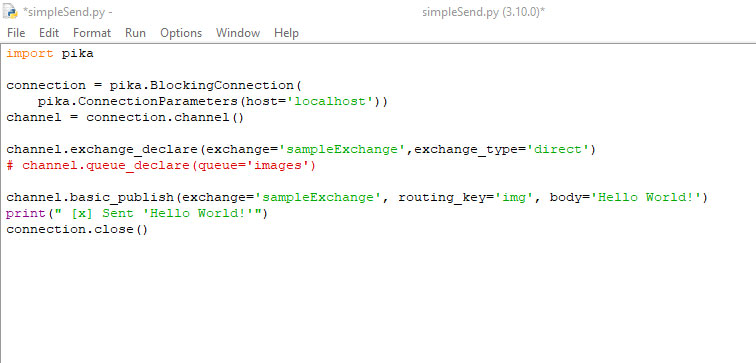
The major problem I have with Python is the syntax requiring indentation and non explicit line/expression endings. In many programming languages you close a statement with a semicolon. Indentation does not matter and is something you do to help make code more readable. In Python, indentation is used specifically to direct code execution flow. Not having the right indentation can cause compiler errors in Python. Despite this annoyance, I have been lucky to deploy successful applications with Python. I most recently used Python to create an orchestration back end incorporating RabbitMQ.
